

The new school year is right around the corner, so it's time for the all-important back-to-school shopping. As a recent grad, I know that a good Chromebook or laptop can be helpful with classwork. Even having a reliable tablet or iPad can make going back to school a bit less painful. And a few carefully chosen accessories to go with your tablet or laptop can make a huge difference.

I've listed a handful of back-to-school tech accessories I've found to be the most useful during the school year, particularly if you're still remote all or part of the time. The picks here are ones I've used as a student. This of this as a list of solid suggestions for accessories to make the return back to school a bit easier.
For more, here are our picks for heading back to school and essentials to keep in your college backpack.

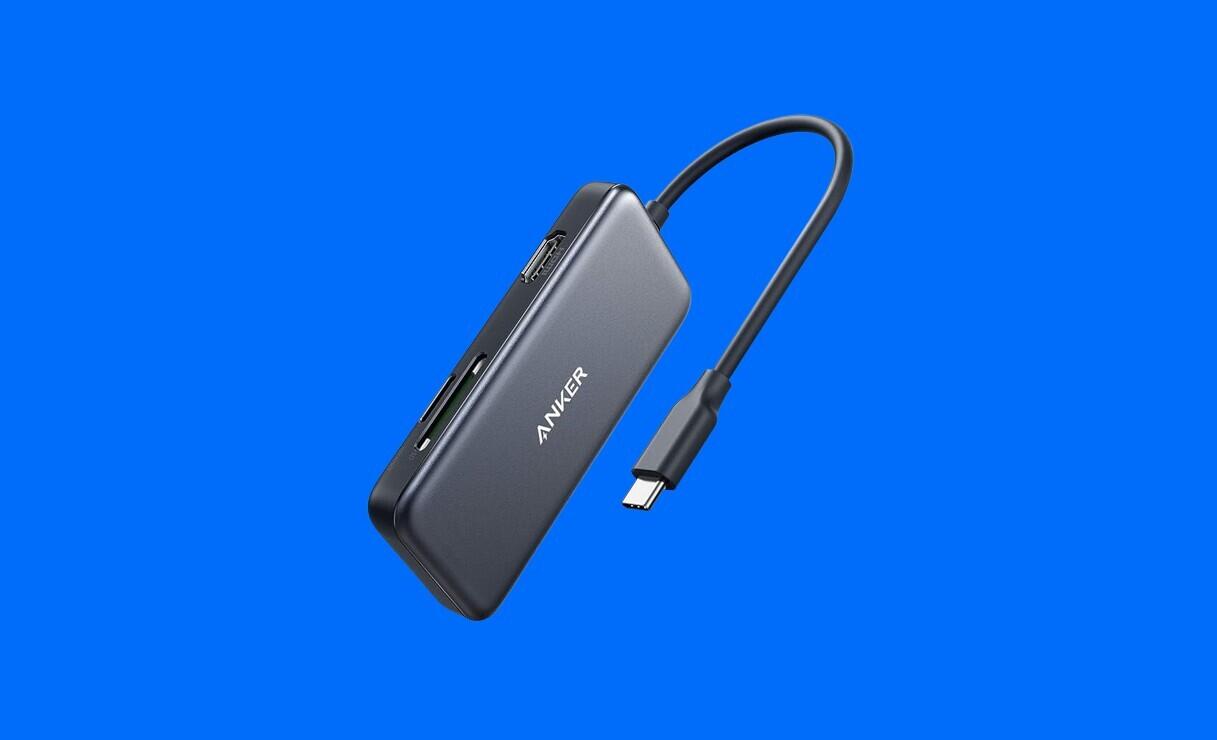
The Anker 5-in-1 USB-C hub is a super helpful little gadget.
There were countless times when I needed to save large documents or make copies of important assignments in case of emergencies. Since my Mac only had USB-C ports, I needed an adapter hub to use flash drives with my computer. Enter the Anker 5-in-1 USB-C Hub. While I bought this with the intention of only using the two USB 3.0 ports, I ended up using almost all of the ports and readers on the hub during my time as a student. This attachment also allowed me to connect to most TVs and monitors, which was super helpful for presentations or even goofing off with friends.

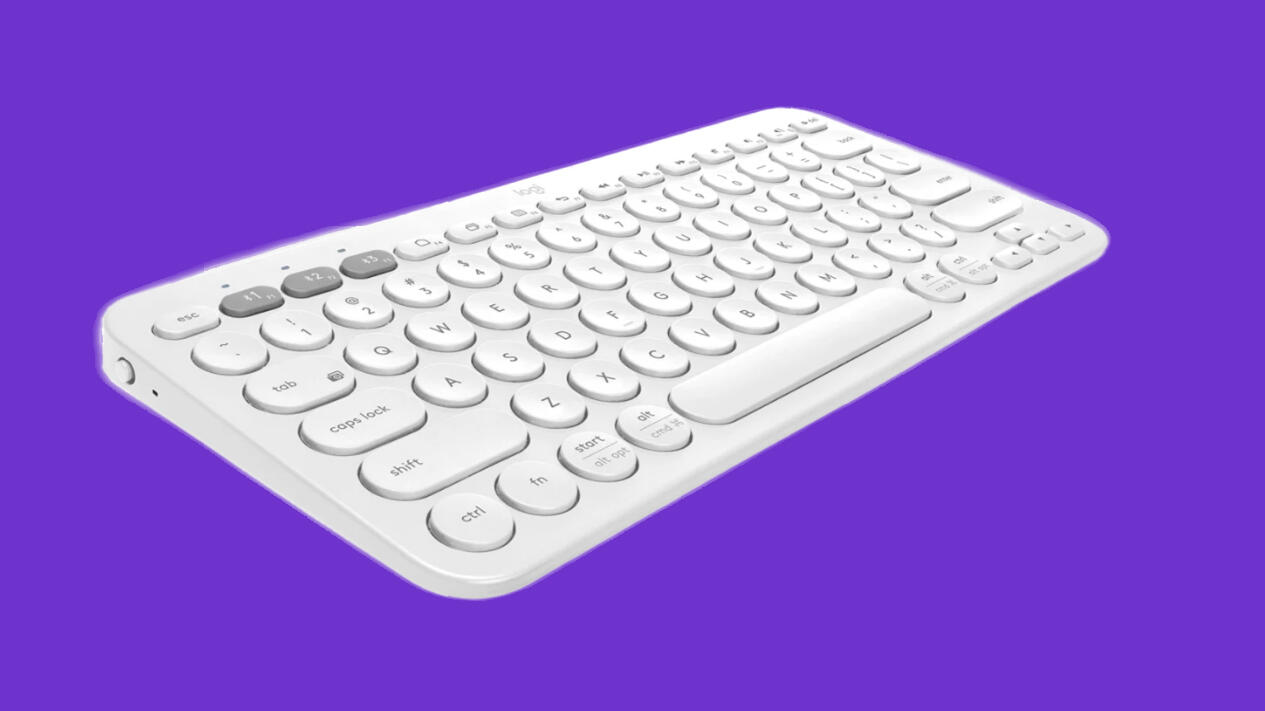
The Logitech K380 keyboard can be connected to three different devices
When learning moved online at the beginning of the pandemic, this little Logitech keyboard served me well and has continued to ever since. One feature I really love is that the keyboard can be paired with up to three devices, and you can switch between these devices with keys at the top of the keyboard. It's most helpful when using Apple's Sidecar feature with an iPad. Pair the keyboard to a MacBook and then, whenever you want to switch to working on an iPad, you can physically move the keyboard in front of your iPad, hit a button and start typing. The K380 is lightweight and portable, meaning you can throw it in your backpack and bring it to all of your study sessions.

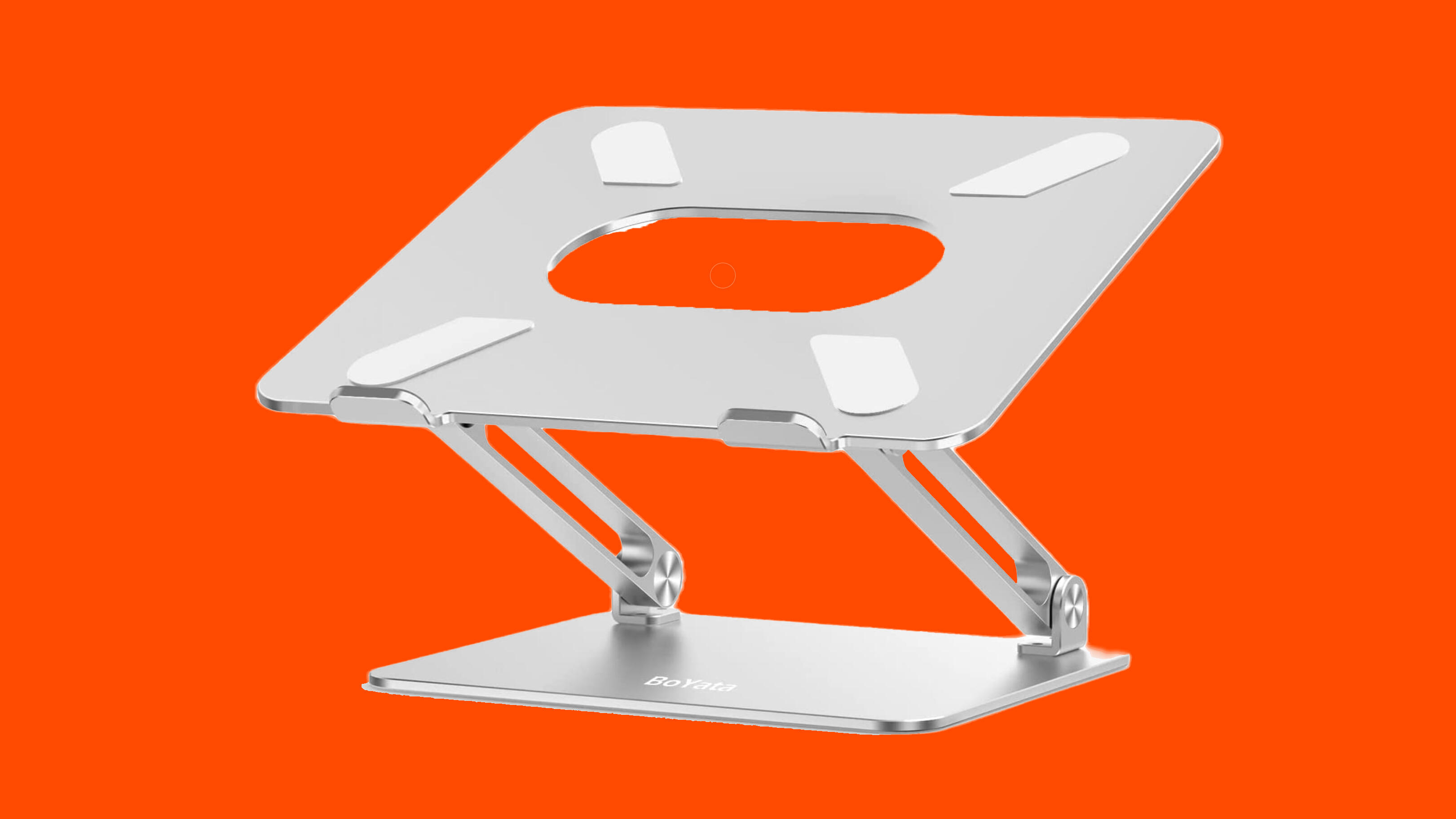
The Boyata Laptop Stand is great addition to your set up
Much like the Logitech K380, I bought this at the beginning of online schooling to build out my home classroom setup. However, even as online schooling for me came to an end, this stand still proved super-useful. Being able to put my laptop a bit higher up off the table and moving it a little further away from my face takes some of the strain off my eyes and neck. This stand is also relatively portable. It is a bit on the bulkier side, but if you have a larger backpack it should fit without any trouble.

In all honesty, I was an Apple Pencil hater for a long, long time. It seemed like another nonsense accessory Apple was trying to convince everyone they needed. Eventually, I succumbed to the hype, and I am so glad I did.
The Apple Pencil totally changed how I take notes for the better. Taking notes on an iPad with the Apple Pencil is more dynamic than taking notes on paper. You can effortlessly draw graphs, use various pen colors and insert images into your notes. The Apple Pencil also comes in handy when using the iPad's screen-sharing Sidecar feature. When displaying your Mac screen on your iPad, you can use the Pencil to mark up files on your Mac that you would not be able to usually draw on.
